Independent gaming utility reviews
Practical desktop skins and performance guides for gamers
No account required to read full reviews.
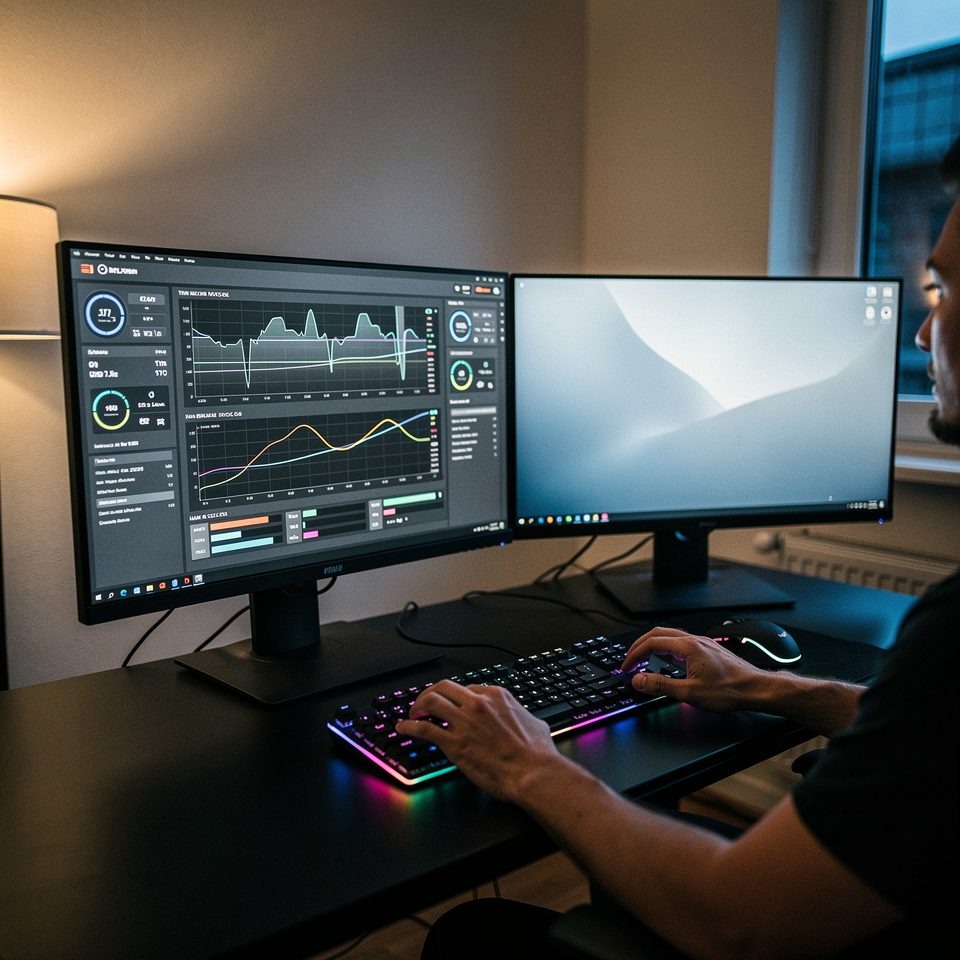
Benchmark runs across tested apps
Average review rating
No account required to read full reviews.
Quick answers to common questions about monitors, skins, and safety.
Real feedback on utility apps and desktop skins.
"I followed a setup guide and had a CPU monitor running in under 45 minutes. The article helped me find a background process that cut idle CPU by about 12%."
"The skin performance breakdown listed memory cost per element. That detail let me pick a lighter layout and reduce memory spikes during multiplayer sessions."
"Clear compatibility notes saved me an afternoon of trial and error. The review also showed safe installer checks I now use on every new skin."
"I appreciated the precise refresh latency metrics. After swapping to a low-cost widget the median refresh dropped to 42ms on my rig."
"The marketplace guide explained typical licensing and what to expect from paid packs. I made a smarter purchase and avoided a misleading bundle."
"Step-by-step visuals made setup quick. Within a week I had three different monitoring layouts and a recorded baseline of CPU and RAM during gameplay."
Examples of tested skins and monitoring layouts.

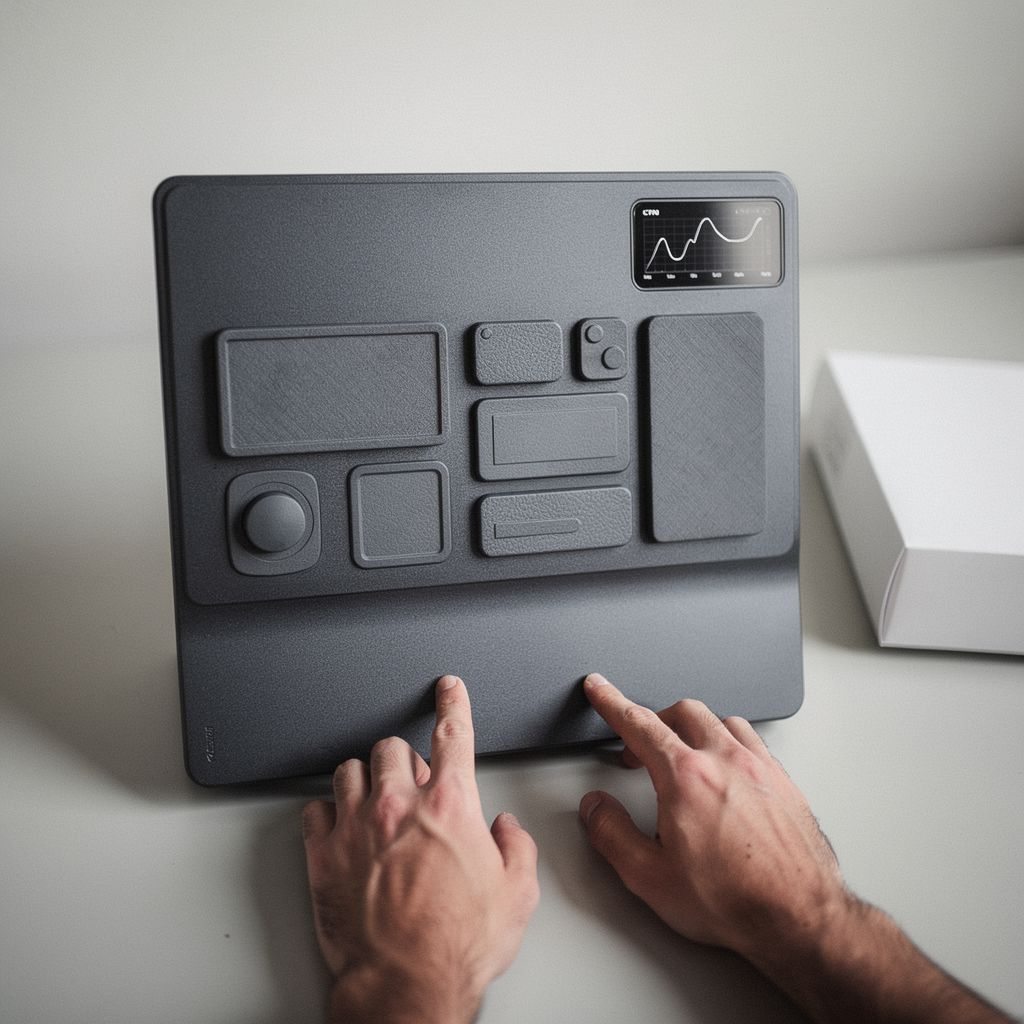
Browse screenshots to compare resource use and design, then open the full review to reproduce the setup.
Notice Our StoryClear, measurable checks for performance, safety, and style.
Sign up for a short newsletter that highlights new tests and top-performing skins every week.
Cookies help us deliver our services. By using this site, you agree to our Cookie Policy.